Buying on NOL World / Interpark Global: the foreigner walkthrough, step by step
The foreigner-facing side of Interpark rebranded to NOL World and it's the practical way in — no Korean ID number. Here's account setup, the queue, and the passport-name trap.
The single thing that saves an international fan the most pain: the foreigner-facing platform exists, it's separate from Korean Interpark, and you set it up before the on-sale, not during it. Interpark rebranded its overseas ticketing to NOL World in late 2024 (world.nol.com), with English, Japanese, and Chinese interfaces and a foreign-registration path that doesn't demand a Korean resident ID number. Regular Korean Interpark requires that Korean ID; the global path doesn't.
Account setup (do this days early)
- Go to the global ticketing site (tickets.interpark.com/global or the NOL World portal), click the globe icon top-right, select English.
- Sign up with email + password. No Korean phone number required.
- Enter your name exactly as it appears on your passport. This is not cosmetic — it has to match at entry (see the name-lock guide).
Do this on a normal day. Doing it while a queue is live is how people lose their spot.
The queue, and how not to lose it
Both Interpark and Yes24 run Google reCAPTCHA plus a numbered virtual queue. The rules that actually matter:
- Never refresh once you have a queue position — it sends you to the back.
- Click "Next" the instant the page loads.
- Stay on the artist's event page so you don't drop priority.
- Open a second device (phone) on the same login as backup if your browser locks up.
- Disable browser extensions that inject scripts — they trip the captcha.
Once you reach the front, you get roughly 7–10 minutes to complete checkout. Have your passport open in another tab so you can type the name exactly without fumbling.
Payment
Typical limit is 2–4 tickets per account (YG fan-club presales often cap at 1–2). PayPal works on some concerts, but credit cards are more reliable, and presales frequently accept cards only. If your card gets declined on a Korean-hosted sale — common — the payment workarounds guide and the Wise card setup are the fixes.
Pickup and entry
Most tickets are collected at the venue box office on show day; bring the card you paid with and your passport. Arrive 1–2 hours before the entry time on the booking page — ID verification at entry is strict.
Where this fits
This is the "platform" piece of the ticketing map. The gate before it is the presale code; the trap after it is the name lock.
Last verified: July 2026. NOL World / Interpark Global flows and per-account limits change per tour — confirm against your specific on-sale notice.
Related guides
Fan-club membership checklist before any 2026 K-pop tour rumor
Per-group cost, payment method that works, renewal window. Print this and check before the next 'tour leaked' tweet.
Payment workarounds for K-pop ticket purchases (US fan edition)
KCP gateway rejects ~1 in 4 US-issued cards. Wise virtual cards, KakaoPay through a Korean phone — what actually works.
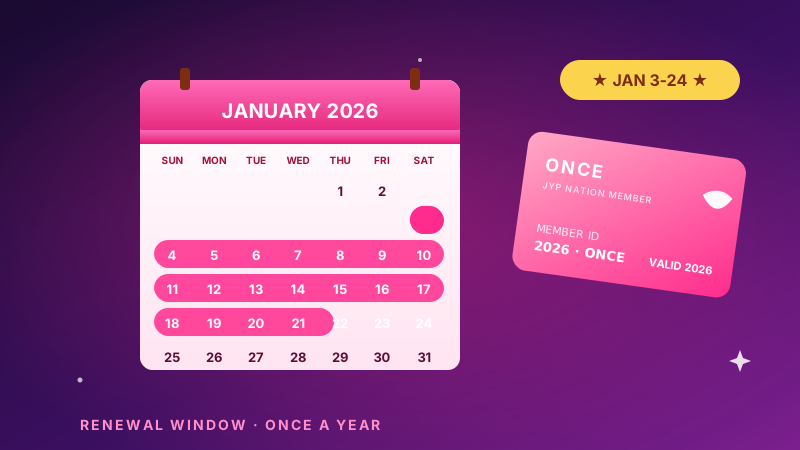
TWICE ONCE Renewal 2026: The 24-Hour Window That Matters
ONCE membership reopens January 3-24, 2026. Here's the JYP NATION renewal timing, payment, and account prep that actually works for US fans.